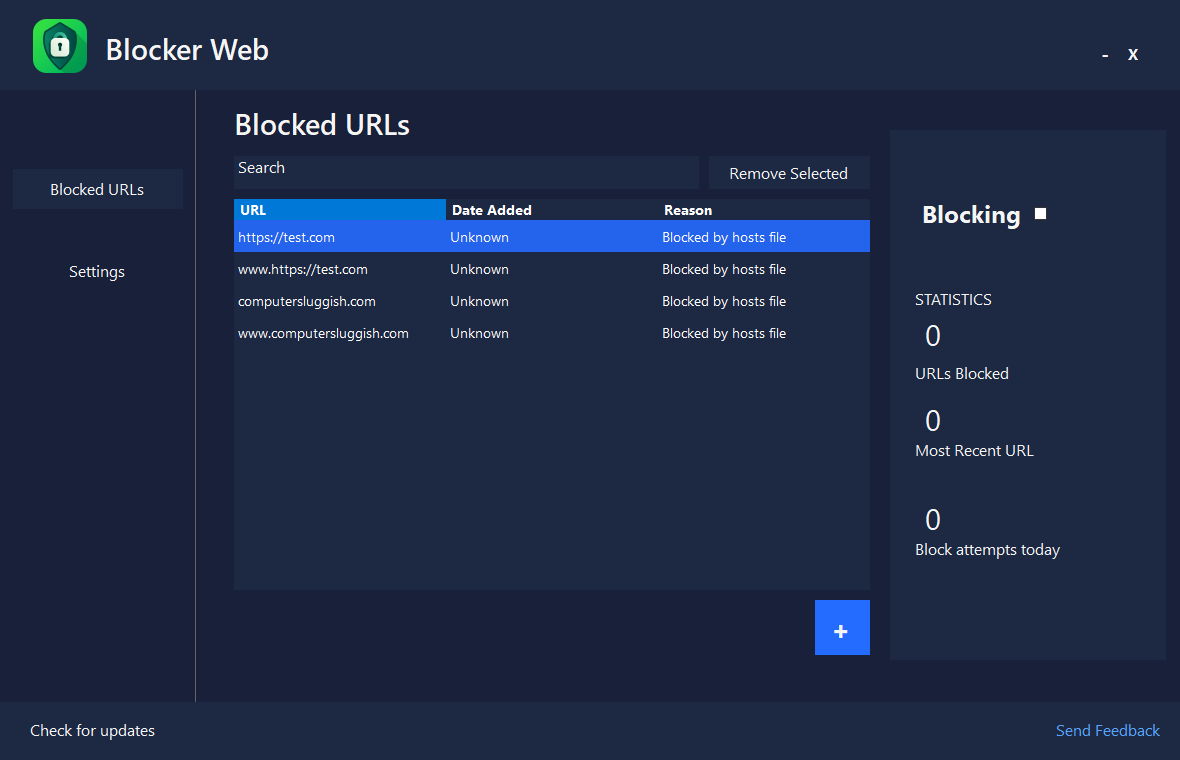
How it works
Blocker Web — Control the Web, Control Your Time
1. Add Websites
Enter the URLs you want to block or pick from popular distractions.
2. Activate Blocking
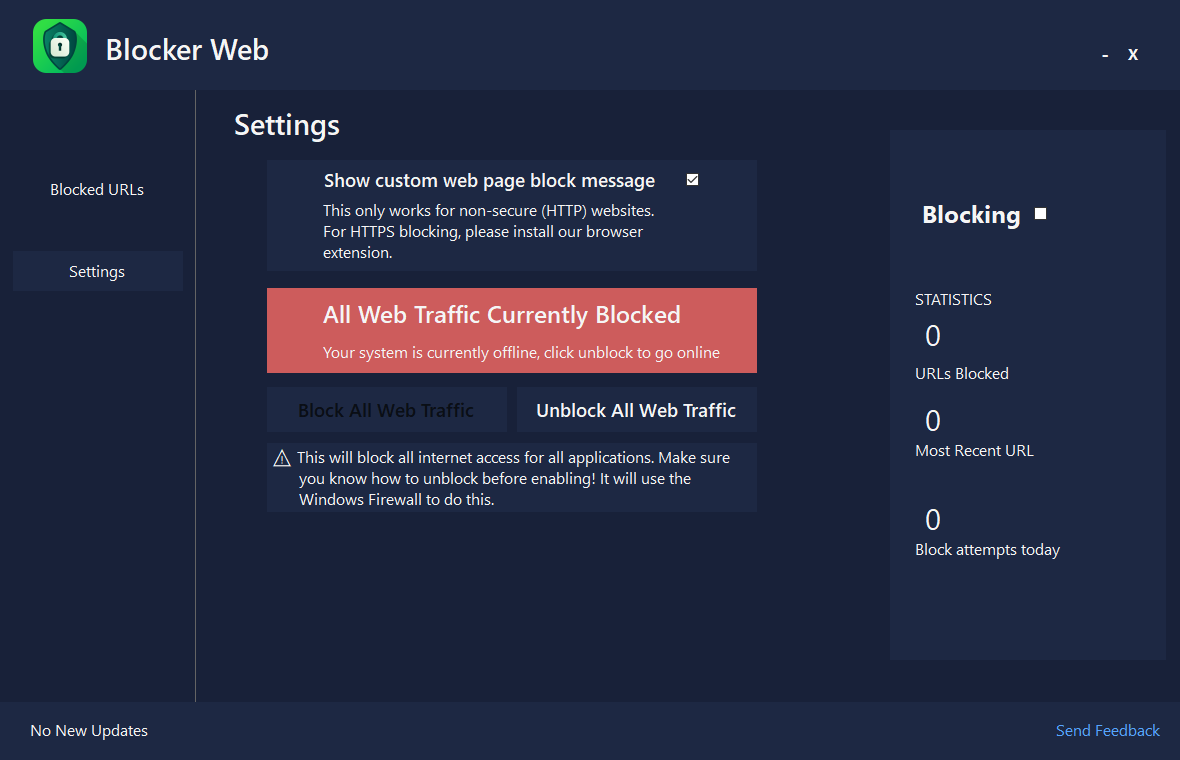
Choose your preferred blocking method — Hosts file or Firewall.
3. Focus and Work
Enjoy uninterrupted focus. Your blocklists stay active even after restarts.
Customization
Privacy
Usability
Scheduling
Blocker Web Features:
Stop wasting time online. Blocker Web keeps you focused by blocking distracting websites, social media, and other online temptations.
Block websites with one click
Custom whitelist management
Dual blocking system (Hosts file + Firewall)
Use Windows Firewall or Hosts file
See blocking stats in real time
Whitelist management to keep essentials accessible
Get Blocker Web!
Take control of your online habits and remove distractions with Blocker Web.
Block social media, limit browsing time, and stay focused on what matters most — all with one lightweight, intuitive tool.
How it works
Distraction Blocker — Silence Notifications, Lock Focus
Stop losing time to endless notifications and app distractions.
Distraction Blocker lets you pause notifications, block software, and activate a custom Focus Mode that helps you dive deep into work.
Simple. Calm. Productive.
Integration
Focus Sessions
Productivity
Simplicity
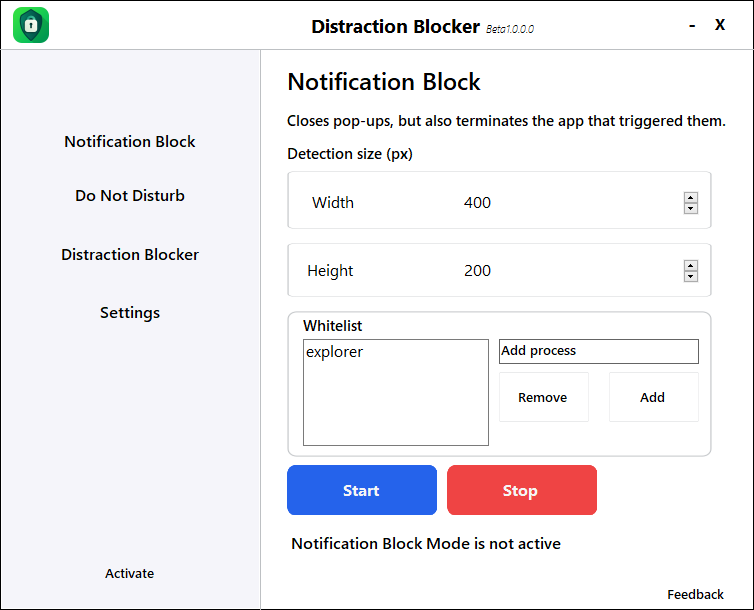
Distraction Blocker Features:
Keep your workspace distraction-free. Distraction Blocker pauses apps, notifications, and background noise so you can dive into deep work.
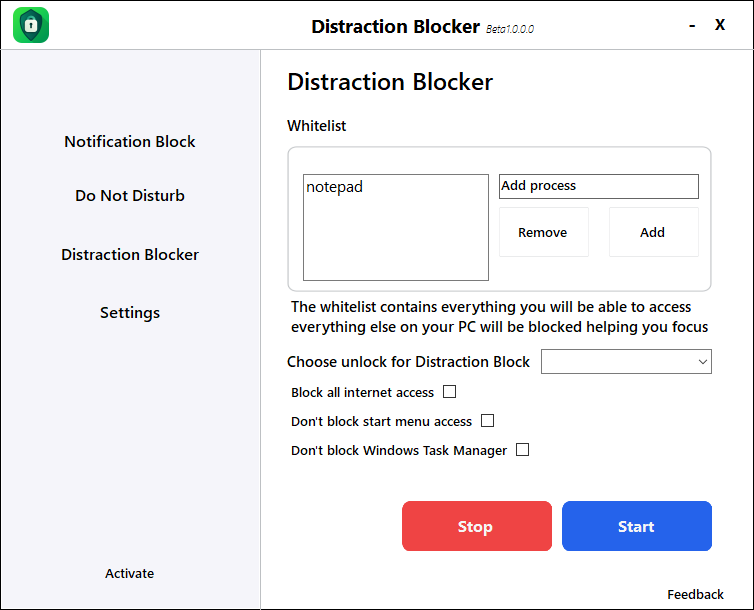
Blocks apps and processes
Custom whitelist for allowed apps
Customize detection width & height of pop ups
Do Not Disturb mode
Minimal, clean interface
Start and stop focus sessions instantly
Get Distraction Blocker!
Stop interruptions before they happen.
With Distraction Blocker, you can silence notifications, block distracting apps, and create your ideal focus environment — all in one click.
Whether you’re studying, coding, or working from home, Distraction Blocker helps you dive deep and stay in control.
Focus better. Work smarter. Stay in control.
Take control of your time and focus with our powerful productivity tools.
Use Blocker Web to eliminate online distractions, and Distraction Blocker to silence apps and notifications – the perfect duo for deep, focused work.
Faq
Is there a free trial?
Yes! Both Blocker Web and Distraction Blocker offer a free version with limited features. You can upgrade anytime to unlock advanced blocking options, scheduling, and premium support.
Do I need a subscription?
No subscription is required to use the basic version. However, upgrading to the Pro plan gives you access to automatic updates, priority support, and enhanced blocking tools.
Who can get technical support?
We currently provide one-on-one technical support only for paying users. Free users can still access our online documentation, setup guides, and community forum for help.
Will Blocker Web and Distraction Blocker slow down my PC?
Not at all. Both tools are lightweight and optimized to run in the background without affecting system performance.
How do I cancel my subscription?
You can cancel anytime from your account dashboard. Once canceled, your premium access will continue until the end of your current billing period.
What happens when my subscription ends?
Your apps will automatically switch to the free version. You’ll keep your blocklists and settings, but some premium features will be disabled.
Do I need to be online to use the apps?
No, both apps work offline once installed. You only need an internet connection for activation and to use the pro version and updates.
Can I use both apps together?
Absolutely! Blocker Web and Distraction Blocker are designed to work side by side — one controls your online distractions, while the other manages your local apps and notifications.
Is my data private?
Yes. Your data and blocklists stay local on your device. We don’t collect or share any browsing or app usage information.